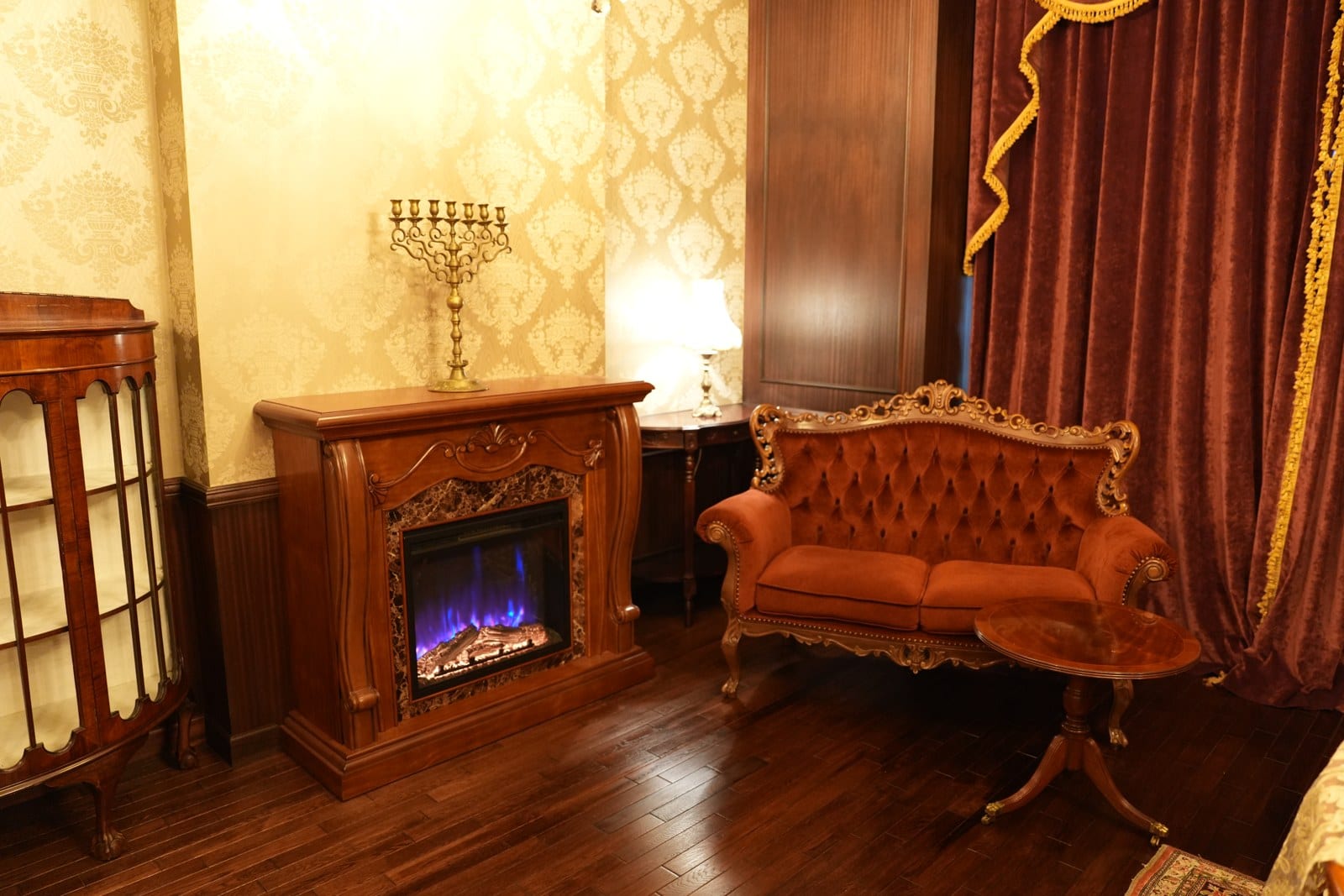
120-inch Screen and Sound
When not in use, it disappears
About 120-inch Screen and Sound
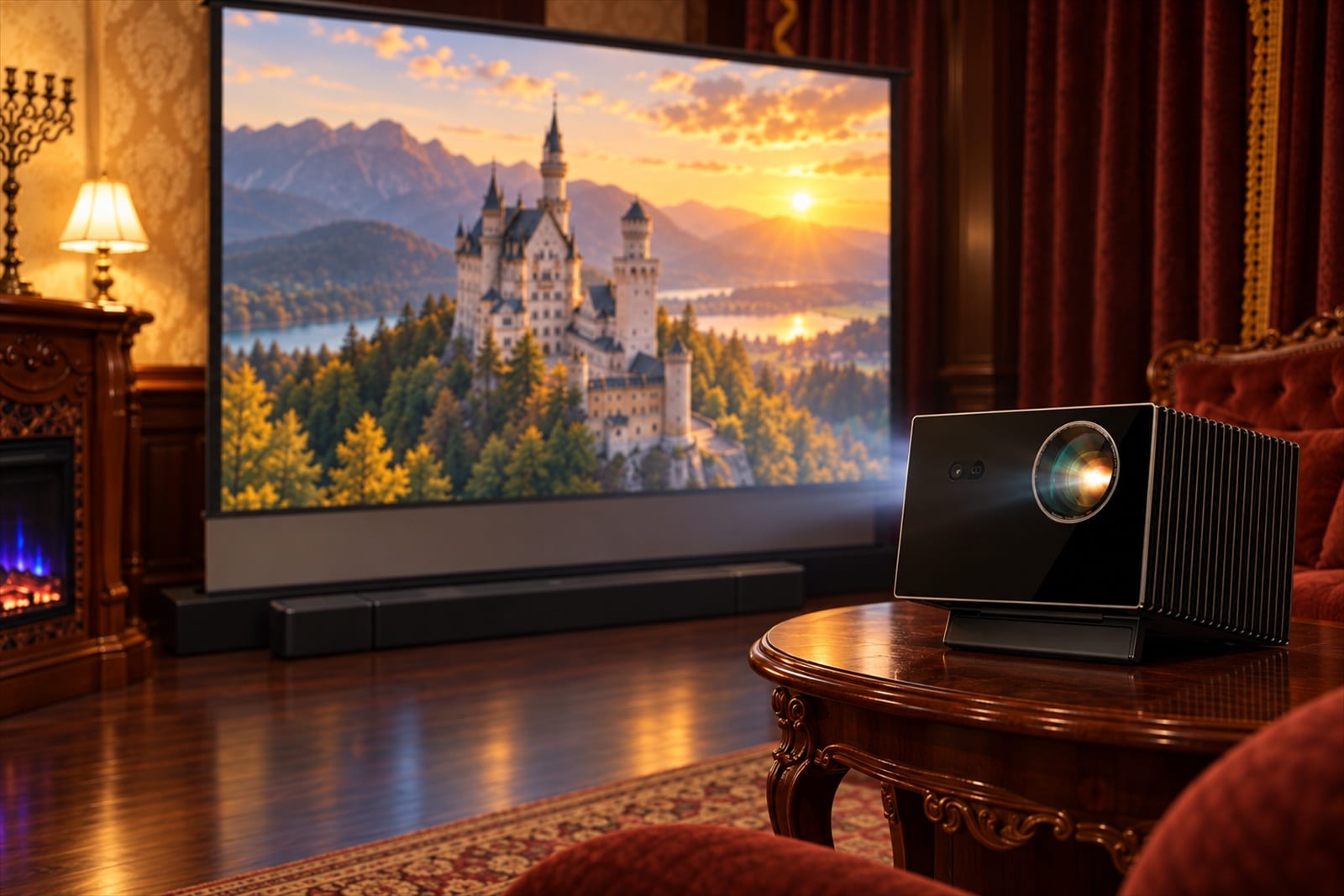
The 120-inch screen and sound is a set comprising a 120-inch screen that rises electrically from the wall of the fireplace room (AWOL VISION MW-F220), a projector on a walnut tripod (Valerion VisionMaster Max), and a soundbar with subwoofer (JBL BAR 1300M2).
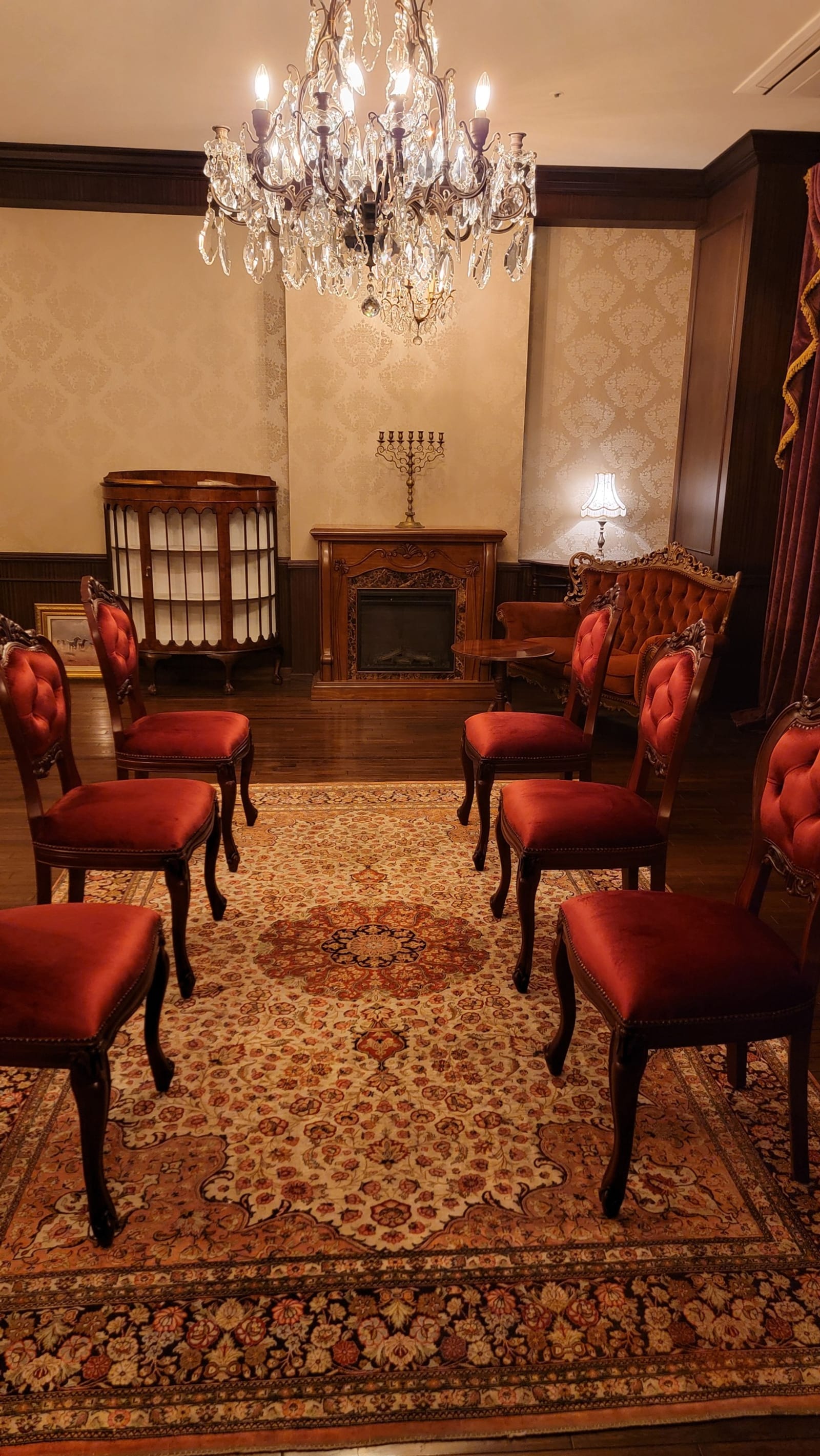
With the lights lowered, the fireplace room becomes a small screening room for up to six
A screening in the fireplace room means raising the 120-inch screen from the wall only when needed, setting the projector and sound, and watching. When not in use, the screen is stowed and the room returns to the Rococo sofas gathered around the fire.
What you can watch: documents connected from your own device, footage you have filmed, and works on streaming services.
In a meeting, you can spread documents across the dining room table and then move to the fireplace room to review video. Separating the time for talking and the time for watching by room makes it easy to shift everyone's attention, and afterwards you can return to the dining room to sum up.
See the fireplace room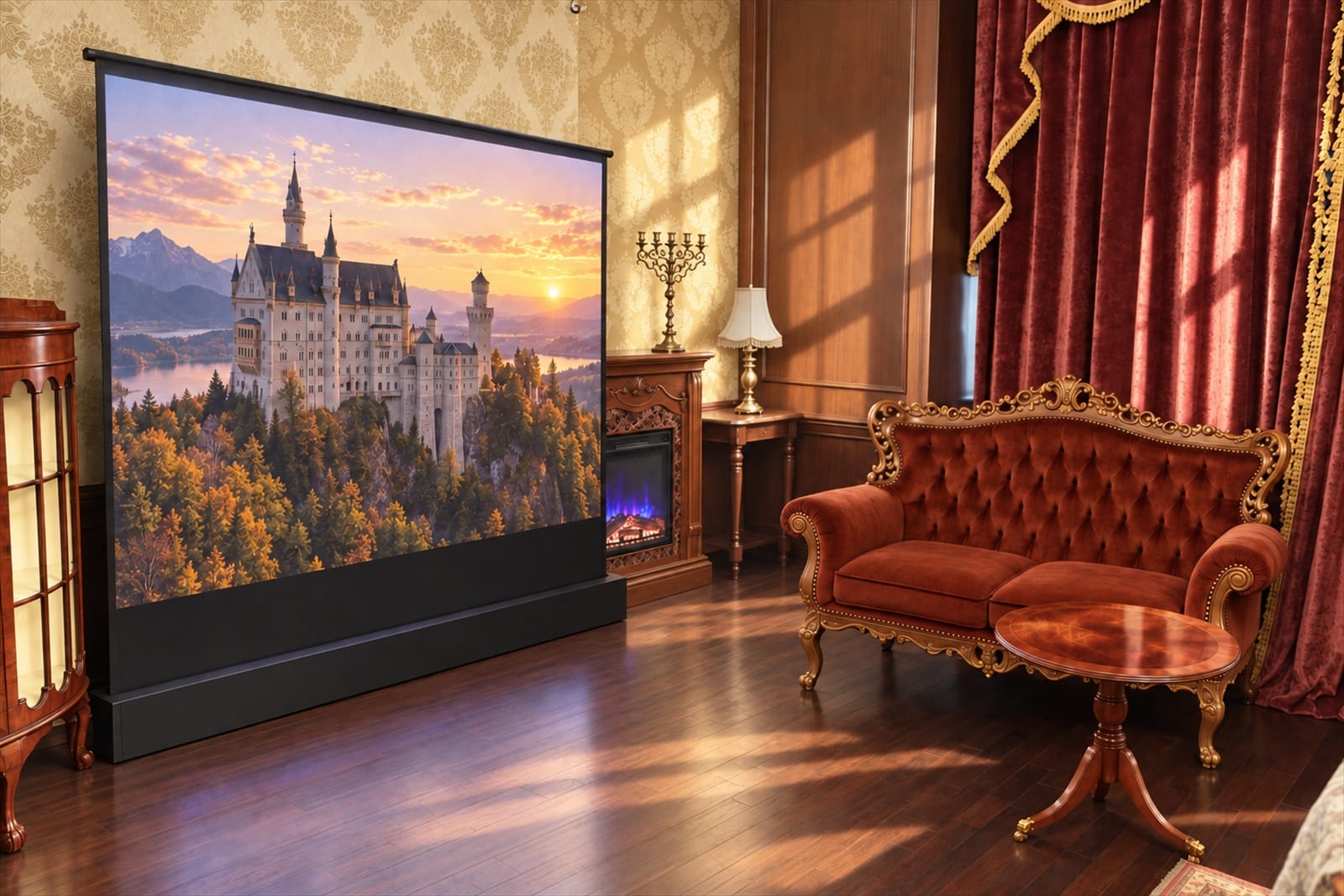
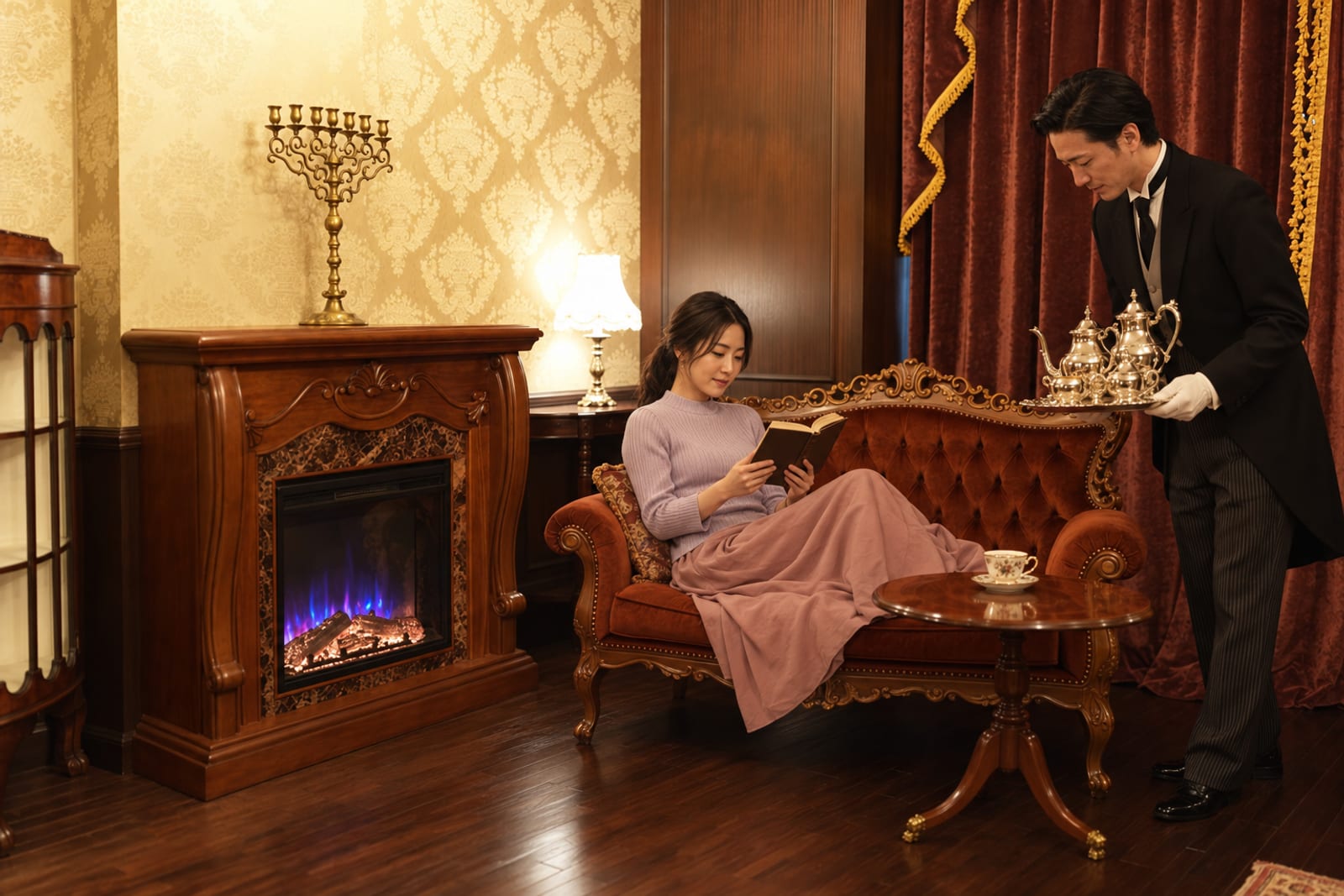
Please check the combination of screen, projection and sound
| Screen | AWOL VISION MW-F220 (120-inch, floor-standing, motorised rising). Stowed when not in use |
|---|---|
| Projection | Valerion VisionMaster Max (walnut tripod stand). Connection method confirmed in advance according to your device |
| Sound | JBL BAR 1300M2 (soundbar and subwoofer) |
| Connection | Laptops, tablets and so on. Please bring the cables and adapters that suit your device |
| Lights | For screenings the chandelier is lowered, leaving only the fire (dimmed by the butler) |
| Seating | Rococo sofas and chairs. Up to six guests; choose whichever seat you like |
Choose from three uses: presenting, reviewing and viewing
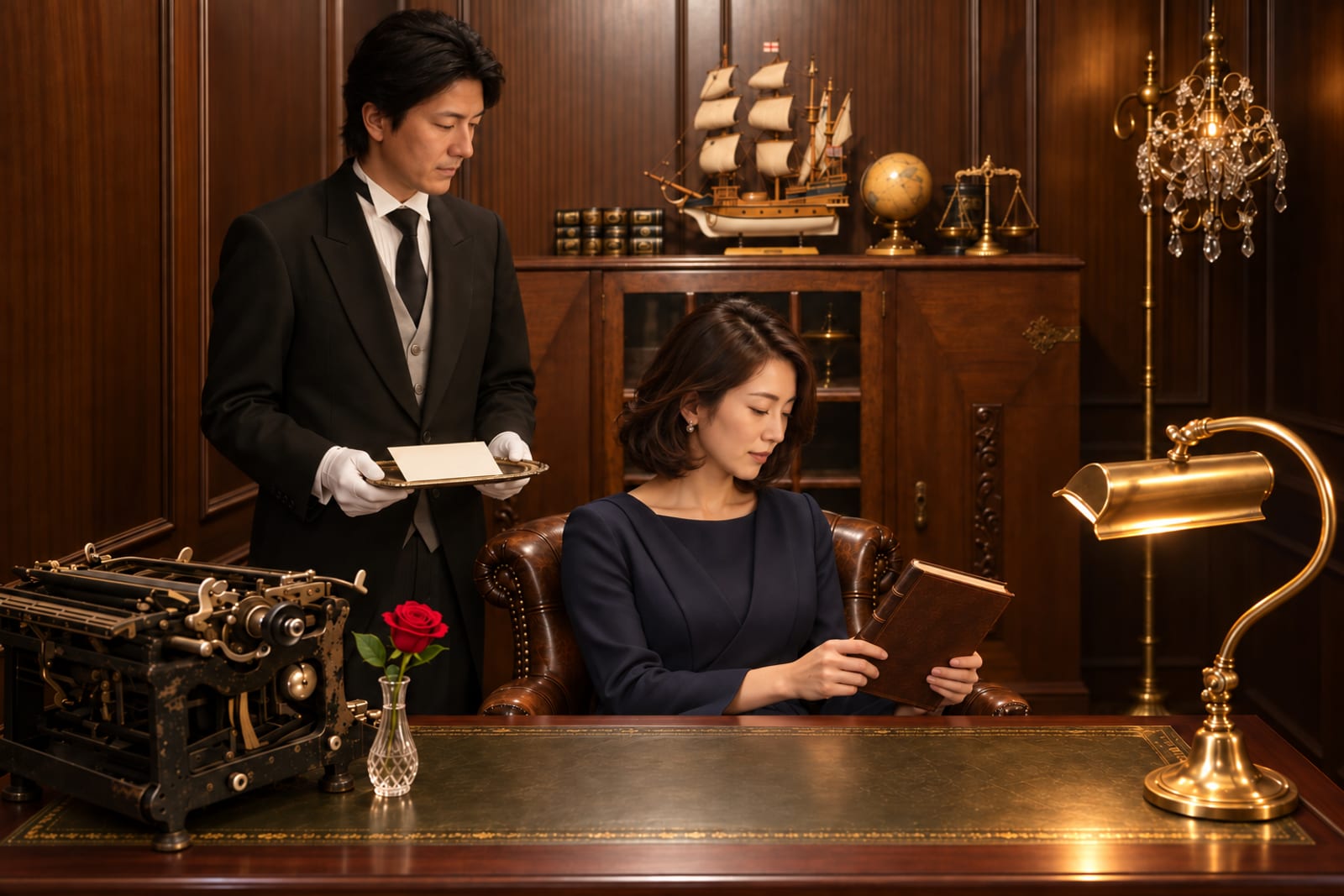
Meeting presentations
We confirm in advance the device that will display your documents, and project them onto the 120-inch screen.
Read more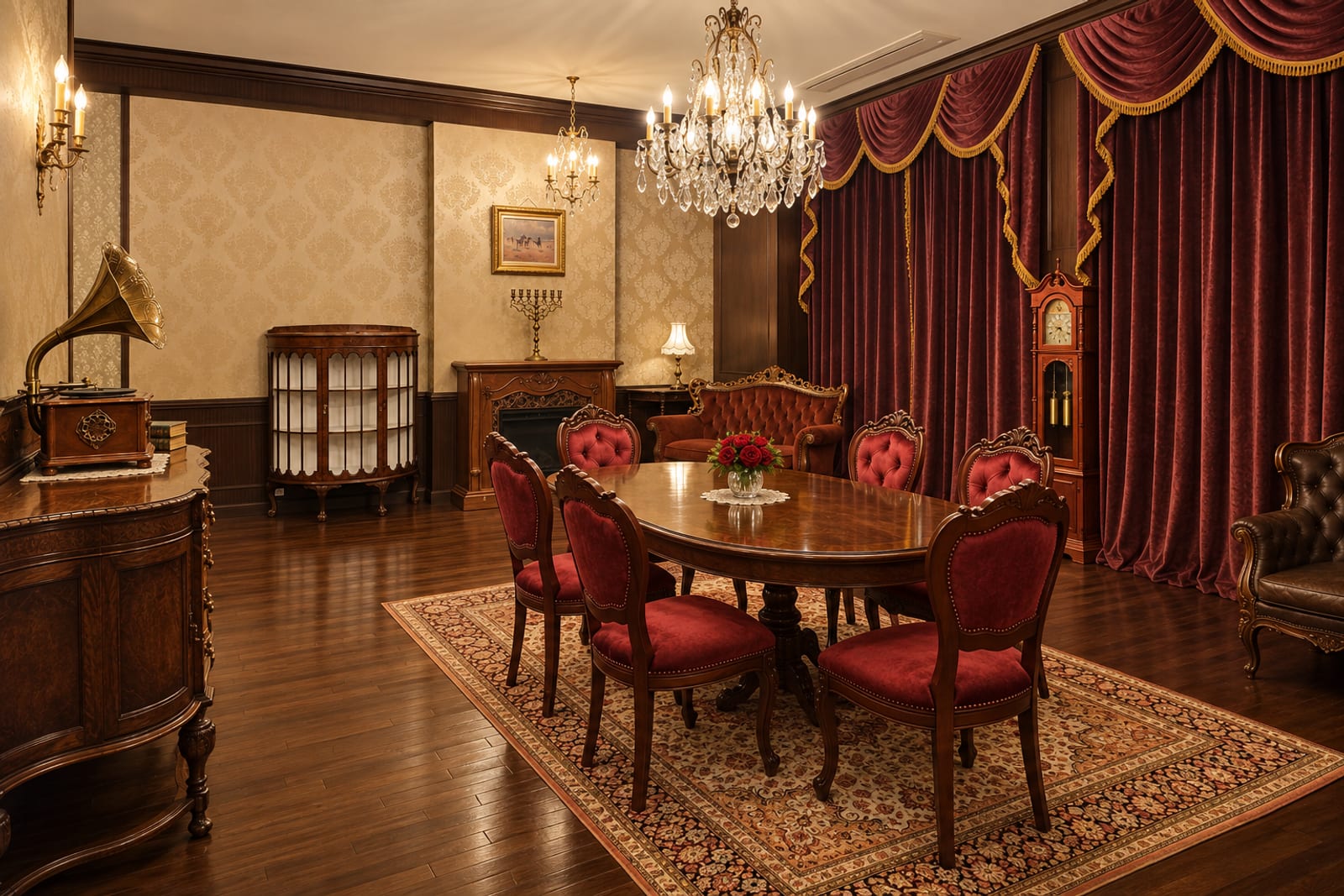
Reviewing footage
See the footage and work you have filmed on a large screen, there and then.
Read more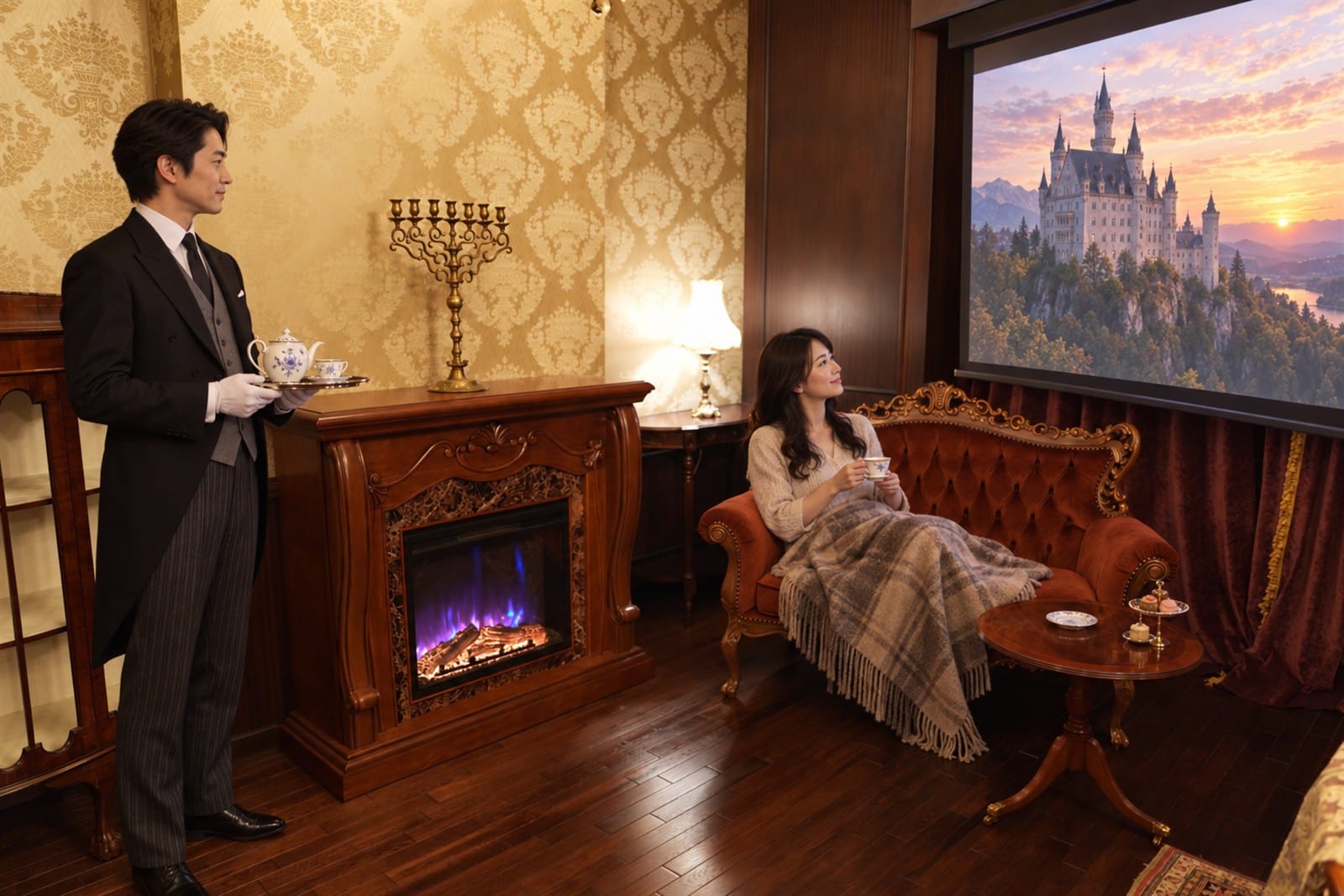
Film screenings
The same as the Salon "Theatre". Lower the lights and watch a film.
Read moreThe device to bring and the butler's preparations vary with the use
| Streaming service | Availability |
|---|---|
| Netflix | Available |
| Amazon Prime Video | Available |
| U-NEXT | Available |
| YouTube | Available |
| ABEMA | Available |
| Disney+ | Available |
Please bring the cables and adapters your device needs. As connection specifications vary by model, please tell us the device name before booking.
Connection runs in seven stages, from sharing at booking to stowing afterwards
Request
Tell us "screen use" when you book. The butler will have the projector in place.
Connection
Connect your device and check the picture and audio output. Please bring the cables and adapters your device needs.
Dimming
The butler lowers the chandelier and, if wished, leaves only the fire.
Volume and subtitles
Check that voices reach the seats. As this is a shared building, loud volume is avoided; please use subtitles where needed.
Seating and walkways
Choose any seat from the sofas and chairs, and the butler checks the width of their path. Devices and cables are placed where they do not cross your feet.
The equipment the house provides
- AWOL VISION MW-F220 120-inch motorised rising screen
- Valerion VisionMaster Max projector and walnut tripod stand
- JBL BAR 1300M2 soundbar and subwoofer
- Seating for up to six, dimming for the screen and the light of the fire
- The butler raises and lowers the screen, prepares projection and sound, and operates doors and lights
What you prepare yourself
- The computer, tablet, smartphone or other device used for playback
- Cables, adapters and chargers that suit your device
- Public screenings without the rights holder's permission
Before viewing, four things are checked: picture, sound, lights and rights
Preparing to view means more than getting a picture on the screen: it means a state in which text and subtitles can be read and voices heard from every seat, and the walkways remain clear. The butler asks for a short test before you begin, and sets the lights and seats.
For presentations, rather than projecting fine tables or long passages as they are, please check on your device that they can be read from the seats. Device and seats are placed so that the presenter can stand without crossing in front of the screen.
Netflix, Amazon Prime Video, U-NEXT, YouTube, ABEMA and Disney+ are available.
QCan I watch streaming services?
Yes.
QIs there a limit on volume?
There is. As this is a shared building, loud volume is avoided, and the butler advises a level at which conversation and the voices on screen can be heard comfortably. Please also consider using subtitles.
QCan it be used for a screening event?
It may be used for small screenings of up to six guests. Please confirm yourself in advance that you hold the rights to screen the work.
QCan I connect with just my device?
Please also bring cables or adapters that fit your device's ports. If you tell us the device name when booking, we advise on the connection methods the house can confirm.
QCan we move from the dining room in the middle of a meeting?
Yes. You can talk in the dining room, watch video in the fireplace room, and return to your seats afterwards. The butler prepares the doors and lights to suit the timing of each move.
About using The Studio
- The manor is never let unattended. A butler is present for every booking, and keys are not handed over
- You are welcome to bring your own food and drink. We do not provide meals
- Please use the antique furnishings under the butler's guidance. The armour, hall clock, porcelain and silver are handled by the butler
- Please consult us in advance about loud sound or the use of naked flames
- Prices shown include tax
You may also wish to read


Lower the lights, raise the screen.
Tell us "screen use" when you book. The butler will have the projection ready to welcome you.